

Nachschub, Abholung, Störung:
One button. Every step. Directly in the system.
OX-Button digitizes manual tasks on the shop floor. A single press of a button confirms, reports, or approves—in real time, without any disruption and without an IT project.
Herausforderungen
Manual notifications cost time, transparency, and patience.
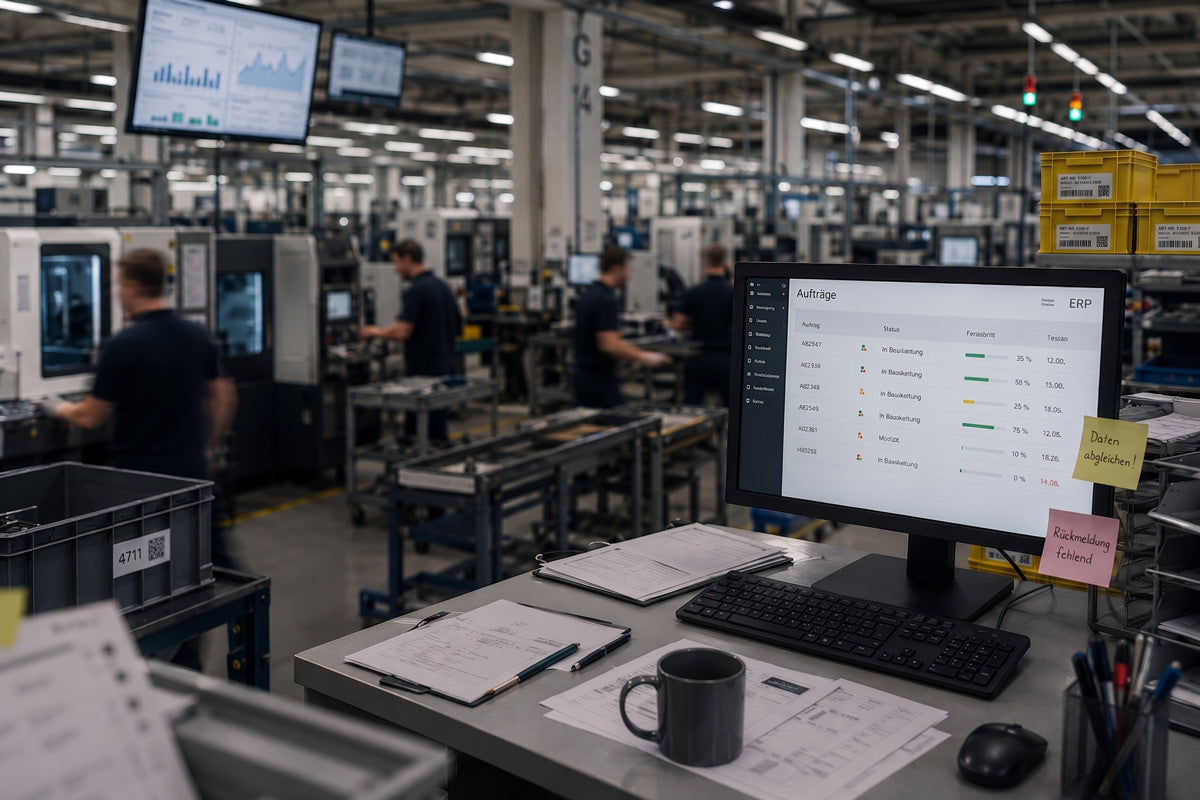
In many production and logistics environments, simple notifications are still handled by shouting, phone, radio, or notes—a process that is slow, error-prone, and lacks traceability
- Materials are missing – and no one notices in time. An employee runs off, looks for a supervisor, or makes a phone call. Work comes to a standstill until the materials are replenished.
- Finished parts are waiting – no one picks them up. Containers pile up at the end of the line; the forklift operator hasn’t been notified. The result is backlogs and blocked areas.
- The machine is idle – the malfunction hasn’t been reported. The error has been detected, but the foreman is on another line. Valuable time is lost before the information reaches him.
- Too many communication channels for simple tasks. “Pick up a pallet,” “restock materials”—via phone, radio, and notes, this is error-prone and undocumented.
- Digitization is desired—but a large-scale project isn’t feasible. Individual processes are supposed to be digitized, but complex integration projects are too expensive, too time-consuming, and too slow. A pragmatic starting point is missing.
If you want to digitize individual processes quickly, you don’t need a major overhaul—you need a simple, clear trigger right where the work is being done.
Lösung
Process triggers right at the workstation – no IT project required.
The OX Button is a battery-powered, freely configurable pushbutton that is installed at each workstation. A single press automatically triggers the correct process—whether it’s material replenishment, a pickup request, a fault report, or approval. Thanks to integrated NB-IoT/LTE-M connectivity, it works anywhere: no cables, no network expansion, and no local IT infrastructure required. You configure the workflows using a no-code approach in the ORGATEX Cloud—no programming knowledge needed. The OX-Button operates independently; an ERP, WMS, or MES system is not required. If needed, it can later be seamlessly integrated into your systems or connected directly to the responsible person.
The result: a fast, pragmatic entry into digitalization—effective immediately, with low project risk and low costs.
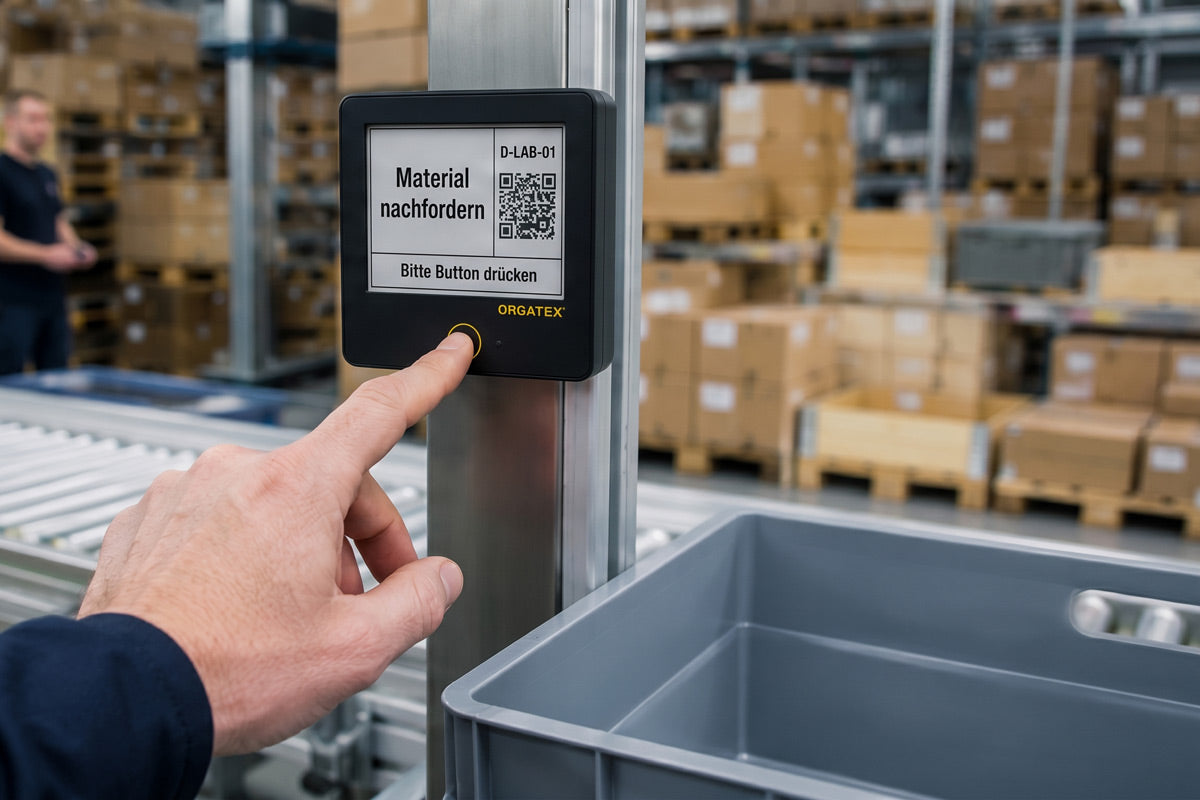
A pushbutton that can be configured for a wide range of applications.
Scenario 01: Replenishment / Kanban Call
Submit a demand at the push of a button. The Kanban call is triggered without having to leave the workstation.
Scenario 02: Pickup Notification at the End of the Line
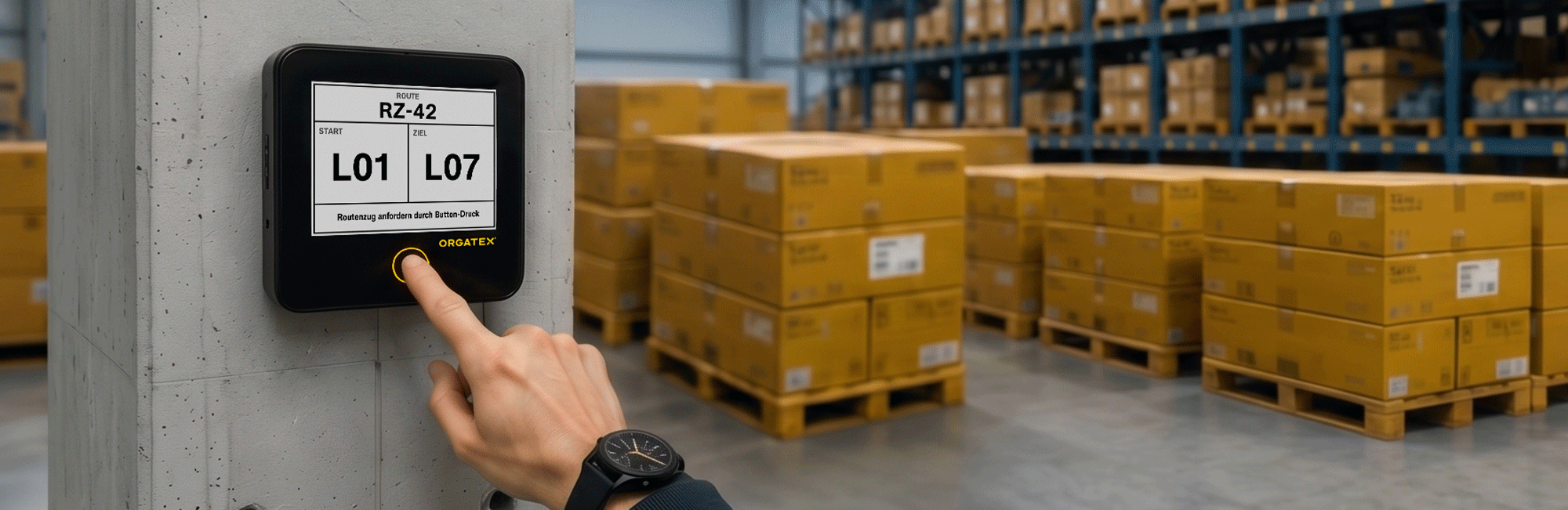
Notify forklift operators or AGVs directly at the push of a button that containers are ready for pickup, including their location. No backlogs, no blocked areas.
Scenario 03: Fault/Andon Alert
Report machine malfunctions immediately to the maintenance team or foreman. This reduces response time and downtime.
Your benefits at a glance:

No ERP/WMS/MES required.
The OX Button operates independently via the ORGATEX Cloud and can be seamlessly integrated into ERP, WMS, or MES systems later on, if needed.
No-code configuration via the ORGATEX Cloud.
You can set up actions and workflows without any programming knowledge and customize them at any time via over-the-air (OTA) updates.
Ready to use in minutes.
Battery-powered, no cables, no need to expand the power grid—Plug'n'Play instead of an IT project.
Modular and scalable.
The rollout begins on one line and is gradually expanded to the entire plant—in a low-risk and predictable manner.
Active input instead of passive display.
Employees clock in and out directly at their workstations, without having to switch systems.
Optionally networked in both directions.
Where desired, status information flows in both directions in real time, dashboards remain up to date without any manual effort.
Measurable efficiency in no time
Production and logistics teams report the following improvements after implementing the OX Button:
Up to 20%
reduction in processing time:
Automatic forwarding, rather than manual reporting channels, significantly reduces processing time.
0 Errands & Search Routes
Replenishment, pickups, or troubleshooting are handled with the push of a button—no phone, radio, or notes required.
Ready to use in minutes
No-code configuration via the ORGATEX Cloud—plug-and-play instead of an IT project.
1–3 years
Battery life
No wiring, no frequent battery replacements—low maintenance and low TCO.
From the push of a button to a triggered process in 4 steps
How OX-Button Works:
1. Link

Link the OX button to a job, station, or action once.
2. Update

The ORGATEX Cloud transmits the current status in real time to the OX Button—where it is displayed directly on the E-Ink display.
3. Interact

A single keystroke acknowledges, reports, or authorizes: instantly and in an audit-proof manner.
Technical Specifications

FAQ
The OX Button is an ERP-connected input device from ORGATEX that is installed directly at the workstation on the shop floor. A single keystroke confirms, reports, or triggers a process step—in real time and without any disruption in the workflow. This ensures that relevant information is generated right where the work is being done and is immediately available system-wide.
No. The OX button operates independently: Workflows are configured using no-code tools in the ORGATEX Cloud, and notifications are automatically sent to the target system or directly to the person in charge. This makes it possible to get started with digitalization without a large-scale project—integration with ERP, WMS, or MES is possible at any time later on.
Yes. The OX-Label also features a button function that allows users to trigger follow-up deliveries or confirmations with the push of a button, for example, and supports Pick-to-Light and Put-to-Light processes with its integrated LED. The difference lies in the focus: With the OX-Label, the emphasis is on digital display and labeling, while with the OX-Button, the focus is on dedicated trigger and input functions at the workstation.
Yes. Both devices are part of the same digital intralogistics platform from ORGATEX, use the same wireless standards (Thread Mesh, LTE-M, NB-IoT), and can be integrated into ERP, MES, and WMS systems. This allows the OX Label on the shelf to display the current order data, while the OX Button at the workstation triggers the corresponding confirmation or approval.
With the OX Label, the LED is integrated directly into the label and guides employees via a light signal right at the shelf compartment or container (pick-to-light/put-to-light). The OX button at the workstation serves as a trigger or confirmation for the picking step and can accompany the process with colored signals. In many applications, the two complement each other: The label lights up and indicates the bin, while the button confirms the step.
The OX Button is an active input device, while the OX Label is a digital display and labeling system. With the OX Button, employees can trigger acknowledgments, notifications, or approvals with the push of a button; the OX Label is a connected E-Ink label that displays order and process data in real time, updates automatically, and replaces traditional paper labels. In short: The button records actions, while the label displays information and provides identification—both are connected to the system via the same wireless standards (Thread Mesh, LTE-M, NB-IoT).
Select the OX button when a simple, unambiguous trigger is needed at a station—for example, to confirm a work step, request a replenishment, or grant approval. Choose the OX Label if you want to display changing order or inventory information directly on the shelf, container, or storage location, replace paper labels, or locate materials and containers. Rule of thumb: If the primary focus is on interaction, the button is the right choice—if the primary focus is on display, labeling, and tracking, the label is the right choice.
The OX Button focuses on active input rather than passive display: Employees can acknowledge and report tasks with the press of a button right at their workstations, without switching systems or having to enter data later. Unlike simply digitizing documents, it changes the process right where the action takes place, thereby avoiding system disconnects and delayed feedback.
Digital order tracking means that every actual work step is immediately recorded in the ERP system. The OX Button bridges the gap between what happens on the shop floor and what the system records—so not only is the order status visible at all times, but so is the actual processing step.
Yes. Every interaction is transmitted immediately and in an audit-proof manner to the higher-level system. Because data is captured directly at the point of action, there is no need for subsequent, error-prone duplicate entries in separate systems.